3D prompts
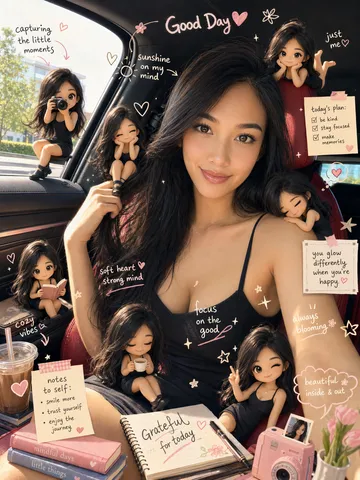
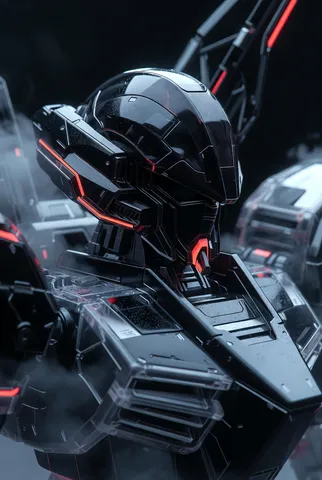
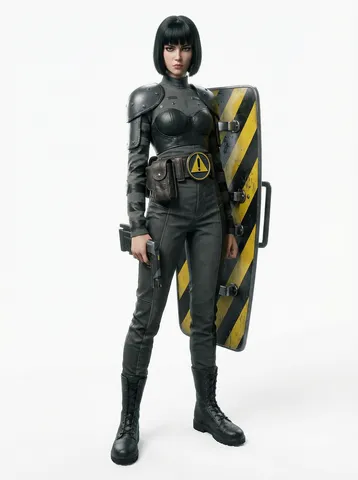
3D render prompts: glassy icons, isometric scenes, clay characters and product renders. Each spells out materials and light; change the object and reuse it.





4 tips for 3D prompts
- 1
Say how it's rendered
“C4D render”, “clay look” or “isometric view” brings out the 3D feel.
- 2
Be clear about materials
Matte, glass, metal and plastic all reflect differently.
- 3
Use soft ambient light
“Soft global illumination, light background” keeps 3D objects clean.
- 4
Limit the objects
One main object or one small scene keeps the details crisp.
Questions
- Can I use these prompts as they are?
- Yes. “Create with it” fills in the model and ratio too, and you can copy any prompt to use elsewhere.
- Can I export a 3D model file?
- No. These are images that look 3D, not editable model files.
- Can I use the images commercially?
- Images you make are yours, subject to the terms of the model you used. Treat other people's works as references only.