One API key for GPT, Claude, Gemini and DeepSeek
Every model vendor you add usually means another SDK, another API key and another invoice. Just comparing GPT, Claude, Gemini and DeepSeek on the same prompt can eat an afternoon of setup.
Lazu is an OpenAI-compatible AI gateway: one key and one base URL reach all of them, and switching models means changing the model field. This guide takes five minutes, from creating a key to switching models to reconciling the bill.
1. Create a key
Sign in and create a key under Console › API Keys. It looks like sk-lazu-…. Use one key per app and environment; each can be limited to certain models, a quota, an expiry date and an IP allowlist.
export LAZU_API_KEY="sk-lazu-..."
2. See which models you can use
The catalog endpoint lists the models this key can call, the endpoints each supports and the current price:
curl --fail-with-body https://api.lazu.ai/api/models/catalog \
  -H "Authorization: Bearer $LAZU_API_KEY" \
  | jq '.data[] | {id, supported_endpoints}'
You can also browse the model catalog: every model has its own page with context length, capabilities and prices.
3. Call any model with the OpenAI SDK
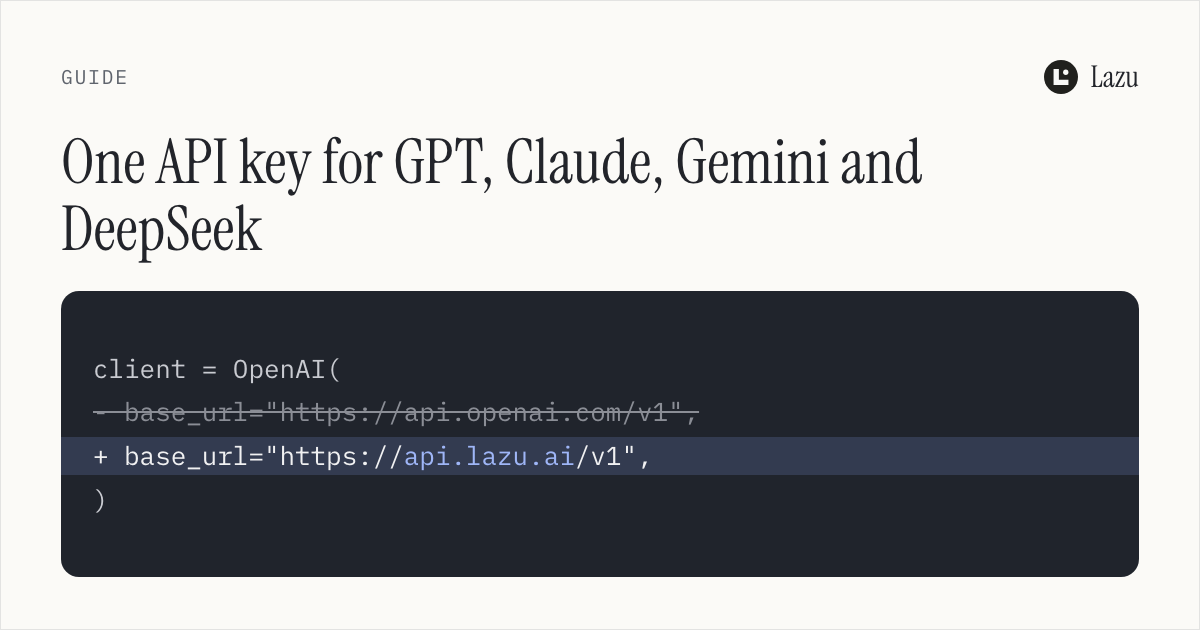
If your project already uses the OpenAI SDK, point base_url at Lazu:
from openai import OpenAI

client = OpenAI(
    api_key="sk-lazu-...",
    base_url="https://api.lazu.ai/v1",
)

for model in ["gpt-5.6-sol", "claude-opus-5-5", "gemini-3.8-flash", "deepseek-v4-pro"]:
    response = client.chat.completions.create(
        model=model,
        messages=[{"role": "user", "content": "Introduce yourself in one sentence."}],
    )
    print(model, "→", response.choices[0].message.content)
Same code, same key, four vendors answering in turn. The same works from TypeScript, Go or any OpenAI client that accepts a custom base URL.
4. Already on the Anthropic or Gemini SDK?
No need to rewrite to the OpenAI format. Lazu accepts all three authentication styles:
| API style | Header |
|---|---|
| OpenAI-compatible | Authorization: Bearer sk-lazu-... |
| Anthropic native | x-api-key + anthropic-version |
| Gemini native | x-goog-api-key or ?key= |
With the Anthropic SDK, change only the base URL (the SDK appends /v1/messages itself):
import anthropic

client = anthropic.Anthropic(api_key="sk-lazu-...", base_url="https://api.lazu.ai")
message = client.messages.create(
    model="claude-opus-5-5",
    max_tokens=512,
    messages=[{"role": "user", "content": "Hello"}],
)
print(message.content[0].text)
Gemini's native API goes through generateContent:
curl https://api.lazu.ai/v1beta/models/gemini-3.8-flash:generateContent \
  -H "x-goog-api-key: $LAZU_API_KEY" \
  -H "Content-Type: application/json" \
  -d '{"contents": [{"parts": [{"text": "Hello"}]}]}'
5. What these four models cost today
The cards below read the live catalog, so they change when prices do:
gpt-5.6-solOpenAI · 1.05M · Stable $5.00 / $30.00 · Discount $0.90 / $5.40Model page →claude-opus-5-5Anthropic · 1M · Stable $4.00 / $20.00 · Discount $1.72 / $8.60Model page →gemini-3.8-flashGoogle · 1M · Stable $0.75 / $3.75 · Discount $0.1875 / $0.9375Model page →deepseek-v4-proDeepSeek · 1M · Stable $0.825 / $2.48Model page →6. Every call reconciles
Every response carries an X-Request-Id header. Find the request by that ID under Usage in the console to see input and output tokens, the lane it took and what it cost, or call GET /api/usage/requests/{request_id} with the same key to check it from code.
Next
- Quickstart: the full setup
- Pricing and lanes: how the stable and discount lanes differ
- Model catalog: every available model and its price